 Open in editor
 Planet
- gradient
- sphere
- abstract
Pick a generator, tune the palette, shapes and size, and export a crisp SVG or PNG for your website, slides or social cards. No account, no watermark, no paywall.
Creatica is an editor, not a stock library. Every background is generated on the fly, so it is always unique to you.
Waves, blobs, Bauhaus, topography, grain gradients, geometric grids — every style has its own generator with a sensible default.
Swap palettes or paste your brand colours, adjust density, shapes and noise, and set the exact canvas size you need. Everything previews live.
Download a clean SVG for the web or Figma, or a PNG for slides and social. Re-render the same seed any time to get the identical image.
Each generator is a small, deterministic program. Same settings and seed, same image — every time, at any resolution.
Open in editor  Open in editor
  Open in editor
  Open in editor
  Open in editor
  Open in editor
  Open in editor
 Built for people who ship: fast previews, exact sizes, real brand colours and exports that stay sharp on any screen.
Every change re-renders instantly on canvas. Shuffle a new seed, switch a palette, drag a slider — what you see is exactly what you export.
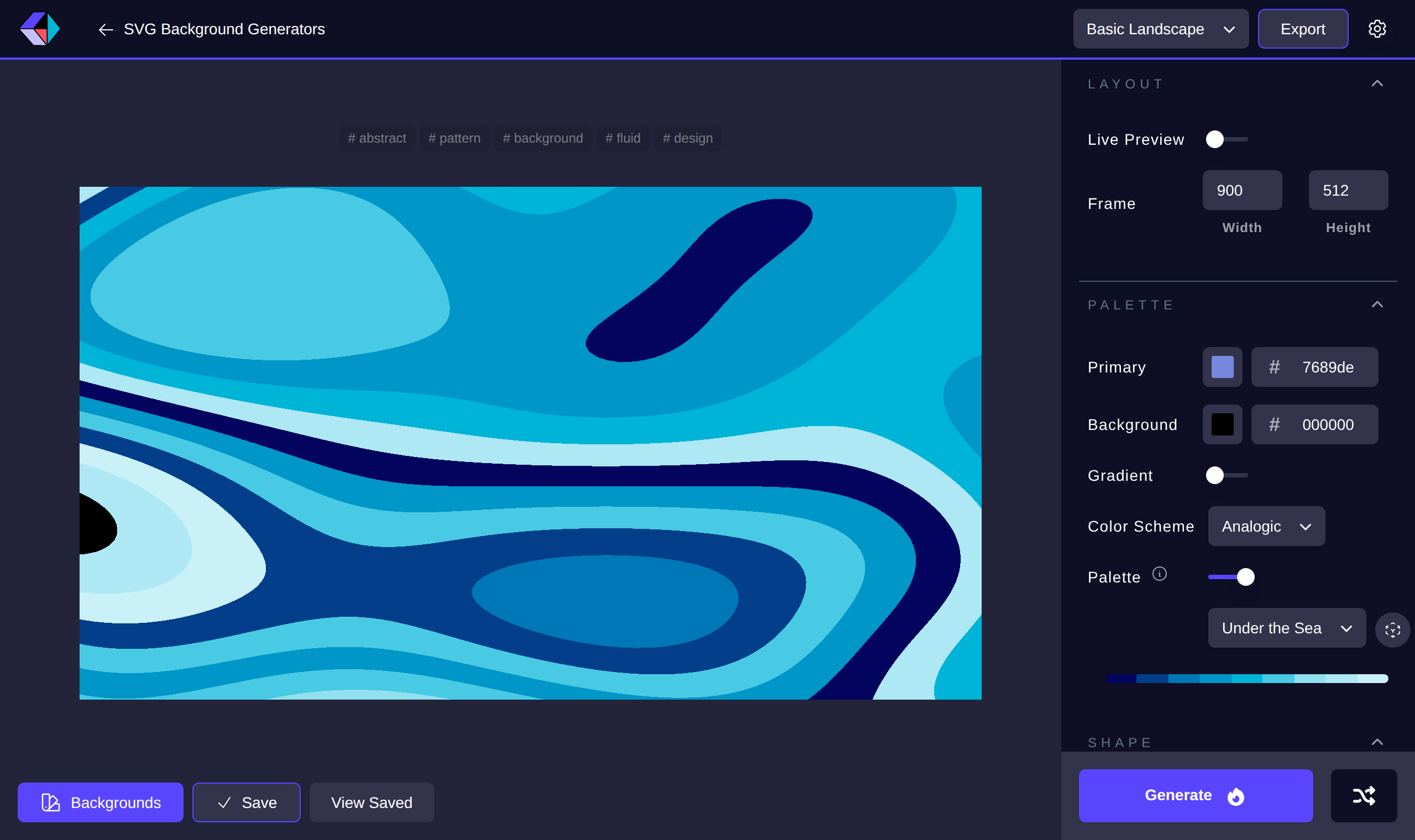
Curated moods to start from, or paste your own hex colours and lock them.
Presets for common screens and cards, or type your own dimensions.
Tune rows, columns, noise and stroke. Every image has a seed, so a look you like is never lost.
Vector output drops straight into Figma, CSS or a React component. Need a raster? Export PNG at the exact size.
Every generator also runs outside the browser. Use the CLI in a build step, hand the MCP server to Claude or Cursor, or embed a hosted image URL that stays on-brand.
# list generators and their options
npx @creatica/cli list
npx @creatica/cli describe wave

# render an OG image for a blog post
npx @creatica/cli gen wave \
  --seed "my-post" --width 1200 --height 630 \
  --colors "#0f172a,#38bdf8" -o og.svg
Generate from a script or a build step. Runs locally, no account.
Creatica started as a side project and is now a community tool. Read the code, add a generator, or run the whole thing yourself.
Star on GitHubPersonal or commercial, attribution appreciated but never required.
The engine, schema, CLI and MCP server are published under MIT.
A generator is two files: info.ts for metadata, generate.ts for the SVG.
Yes. All 59 generators, every option and unlimited SVG and PNG exports are free, with no account. The only paid product is the hosted API and remote MCP server for people who need permanent image URLs at scale — and even that has a free tier.
Yes. Backgrounds you generate are yours to use in personal and commercial projects. Attribution is welcome but not required. See the terms page for the short version.
SVG is a vector file: it scales to any size without losing sharpness and can be edited in Figma, Illustrator or by hand. PNG is a bitmap at the exact pixel size you choose, handy for slides, social posts and tools that do not accept SVG.
Every render is deterministic: the same generator, options and seed produce the same image. Keep the seed and you can re-render at a bigger size or a different format any time.
Yes. The CLI and MCP server run locally via npx with no account. Claude Code, Cursor and any MCP client can call the generators as tools. The hosted HTTP API adds cacheable image URLs and brand kits.
Fork the repository, add an info.ts and generate.ts under core/structures, register it in the index and open a pull request. The README walks through it.
Open the editor, pick a style and export. No account, no watermark, no catch.
Start creating for free